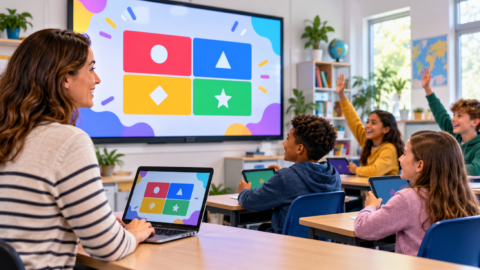

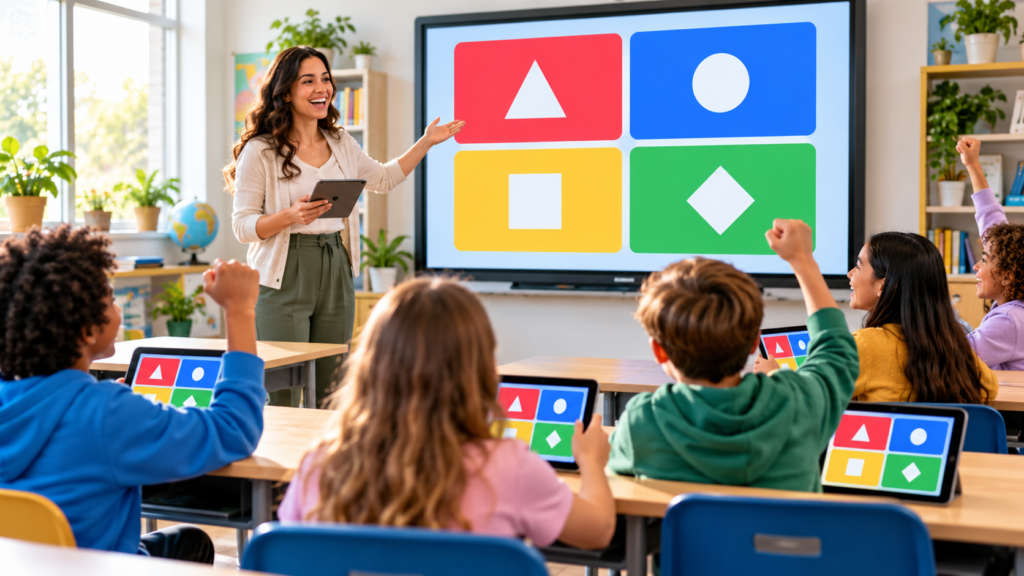
Blooket is a classroom quiz game. A teacher picks a set of questions, chooses a game mode and hosts a live game; students join from any device with a 7-digit Game ID and answer questions to win points, coins and collectible characters called Blooks. It’s free to start, students don’t need accounts, and it works in any web browser.
This guide explains how Blooket works for teachers and students, step by step, what the free plan includes compared with Blooket Plus, and how to keep games safe and fair. Steps come from Blooket’s Help Center, checked on 27 October 2026.
How Blooket works
Every Blooket game has two parts: a Question Set, the quiz content, and a game mode, the game wrapped around it. The same 20 vocabulary questions can be played as a race, a strategy game or a collecting game, which keeps review sessions from feeling repetitive. Teachers can make their own sets or use public sets from Blooket’s Discover page.
How to host a Blooket game (teachers)
- Log in at blooket.comHosting needs a teacher account; it’s free to create.
- Choose a Question SetPick one from My Sets or Discover, open its preview and select Host.
- Pick a game modeReview the live modes and choose one that fits your class. Some modes are solo or homework only, and availability can depend on your plan.
- Adjust the settingsChoose a time limit or score goal, question order (random, ordered or mastery), whether late joining is allowed, random names and banned Blooks.
- Share the join details and startShow the Game ID, QR code or join link. When everyone has joined, start the game.
Turn on random names
Random names stop students from choosing inappropriate nicknames and make it harder to tell who’s winning, which keeps the focus on learning.
How to join a Blooket game (students)
- Go to play.blooket.comCheck the spelling. Searches like “blooke” or “blloket” can lead to look-alike sites.
- Enter the 7-digit Game IDOr scan the QR code on the teacher’s screen, or open the join link they share.
- Enter a name and playNo account is needed. Students who create one can unlock Blooks and track their stats.
Free (Starter) vs Blooket Plus
Blooket’s free Starter plan is enough for many classrooms. Its Help Center lists these differences for Blooket Plus:
| Feature | Starter (free) | Blooket Plus |
|---|---|---|
| Players in a live game | Up to 60 | Up to 300 |
| Homework deadlines | Up to 14 days | Up to 365 days |
| Reports | Basic | Enhanced reports |
| Organisation | Sets | Folders for sets |
| Question types | Standard | Adds audio questions |
Plus and Plus Flex renew automatically and can be cancelled at any time, staying active until the end of the billing period. Schools can buy group plans for several teachers.
Keeping Blooket fair and safe
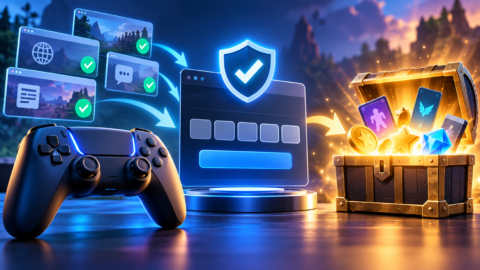
- Use random names and turn off late joining once everyone is in.
- Don’t display the Game ID on public streams or social media; anyone with it can join.
- Warn students away from “Blooket hacks” and cheat scripts. These are browser scripts from unknown sources that can carry malware, and using them breaks the game’s rules.
- Check public sets before hosting; anyone can publish them, so quality varies.
- Use reports to see which questions the class struggled with, not just who won.
Blooket vs Gimkit
Blooket and Gimkit are often compared: both are free-to-start classroom quiz games with live games, game modes and paid upgrades. Blooket is known for its collectible Blooks, while Gimkit organises questions into kits played in different modes. If you’re choosing between them, see our step-by-step guide on how to host a Gimkit game.
Кратко на русском: Блукет (Blooket)
Краткое содержание
- Что это: Blooket — образовательная игра-викторина для класса.
- Учителю: войдите на blooket.com, выберите набор вопросов, нажмите Host, выберите режим и запустите игру.
- Ученику: откройте play.blooket.com и введите 7-значный Game ID. Аккаунт не нужен.
- Бесплатно: до 60 игроков в живой игре; в Blooket Plus — до 300.
Our verdict
Bottom line
Blooket turns quiz review into a game students actually want to play. Teachers host free from blooket.com; students join at play.blooket.com with a 7-digit Game ID and no account. The free plan handles up to 60 players live, and Blooket Plus raises that to 300, adds longer homework deadlines and better reports.
Use random names, keep Game IDs private, and steer students away from hack scripts. Steps were checked on 27 October 2026.
Common questions
How does Blooket work?
A teacher chooses a Question Set and a game mode, then hosts a live game or assigns homework. Students join with a Game ID and answer questions to progress in the game, earning points and collectible Blooks.
How do I join a Blooket game?
Go to play.blooket.com and enter the 7-digit Game ID your teacher shows, or scan the QR code or open the join link they share. You don't need an account.
How do I host a Blooket game?
Log in at blooket.com, choose a set from My Sets or Discover, select Host, pick a game mode, adjust the settings (time or goal, question order, late joining, random names) and start once players have joined.
Is Blooket free?
Yes. The free Starter plan lets teachers host live games for up to 60 players. Blooket Plus adds features such as up to 300 players, longer homework deadlines, folders and enhanced reports.
Do students need a Blooket account?
No. Students can join with the Game ID, QR code or link without logging in. An account lets them unlock Blooks and track their stats.
Are Blooket hacks safe?
No. Hack and cheat scripts come from unknown sources, can contain malware, and break the game's rules. Teachers can reduce cheating with random names and by locking late joining.
Как играть в Блукет?
Учитель запускает игру на blooket.com, а ученики открывают play.blooket.com и вводят 7-значный Game ID. Аккаунт ученикам не нужен.